STEP 01 / DASHBOARD
Go online
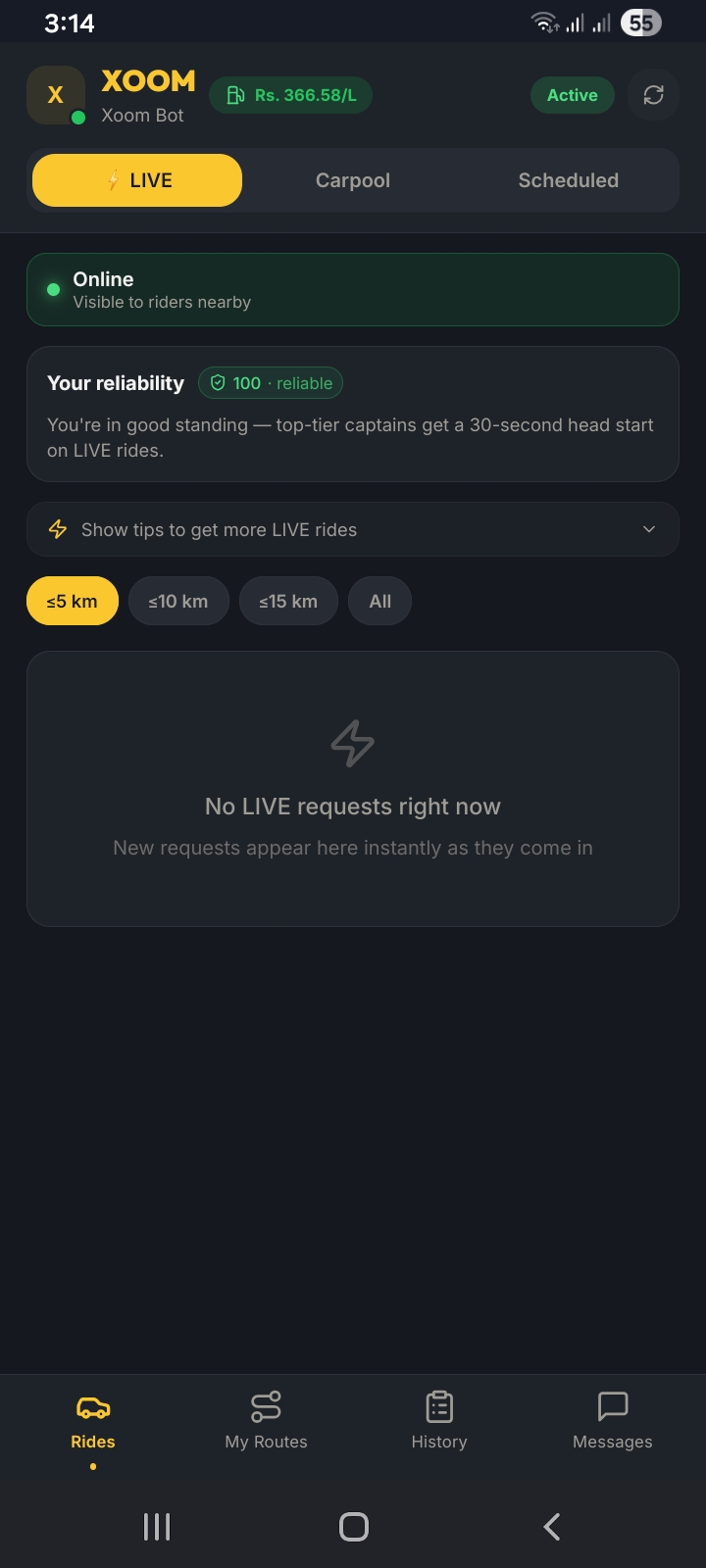
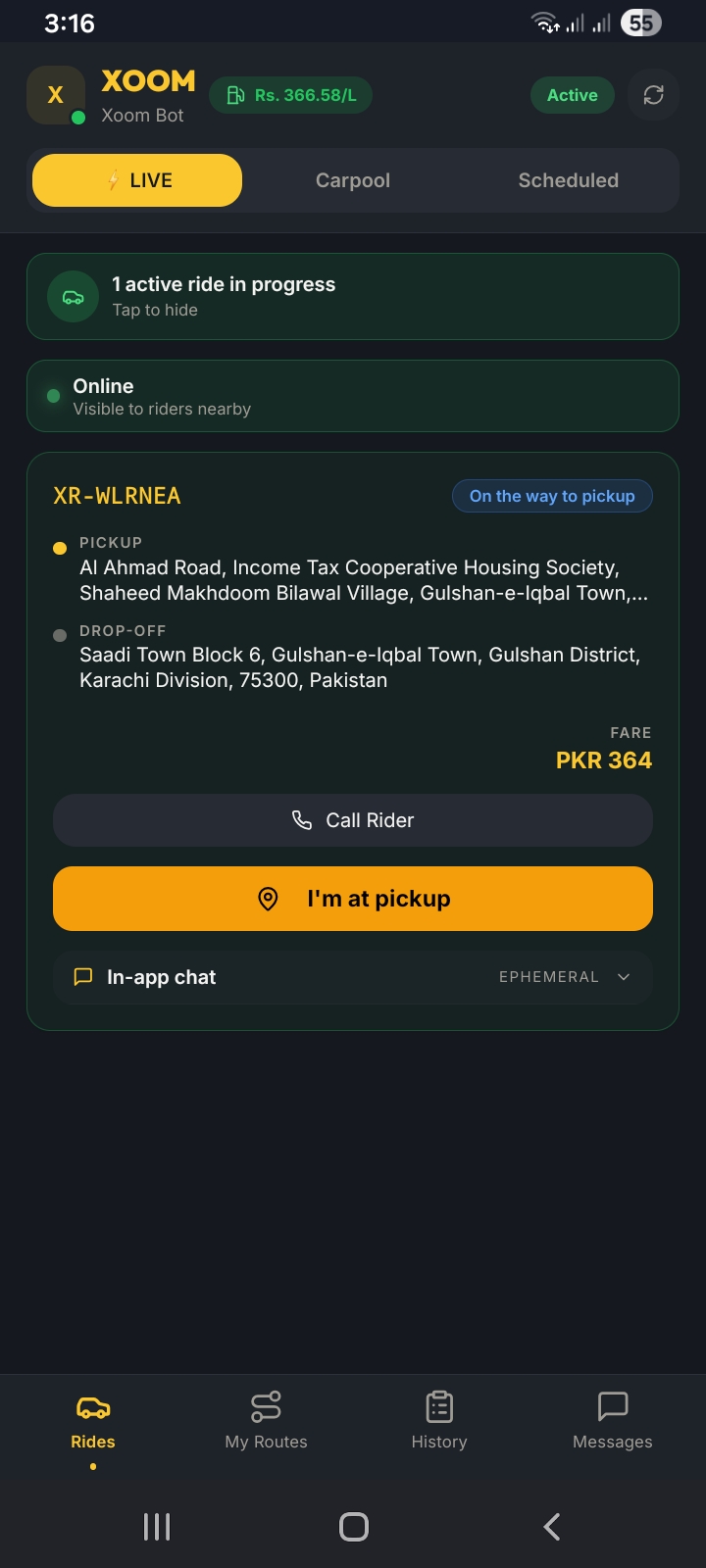
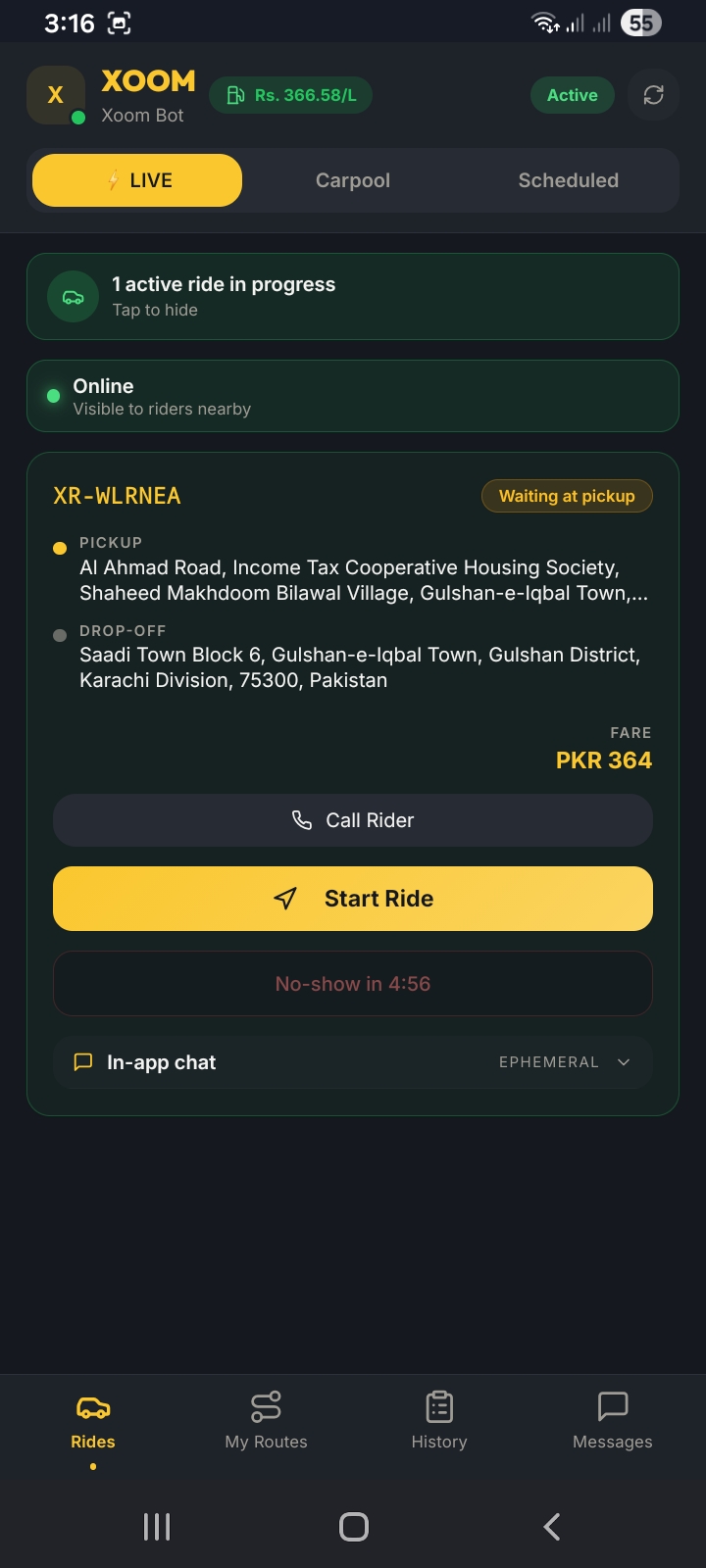
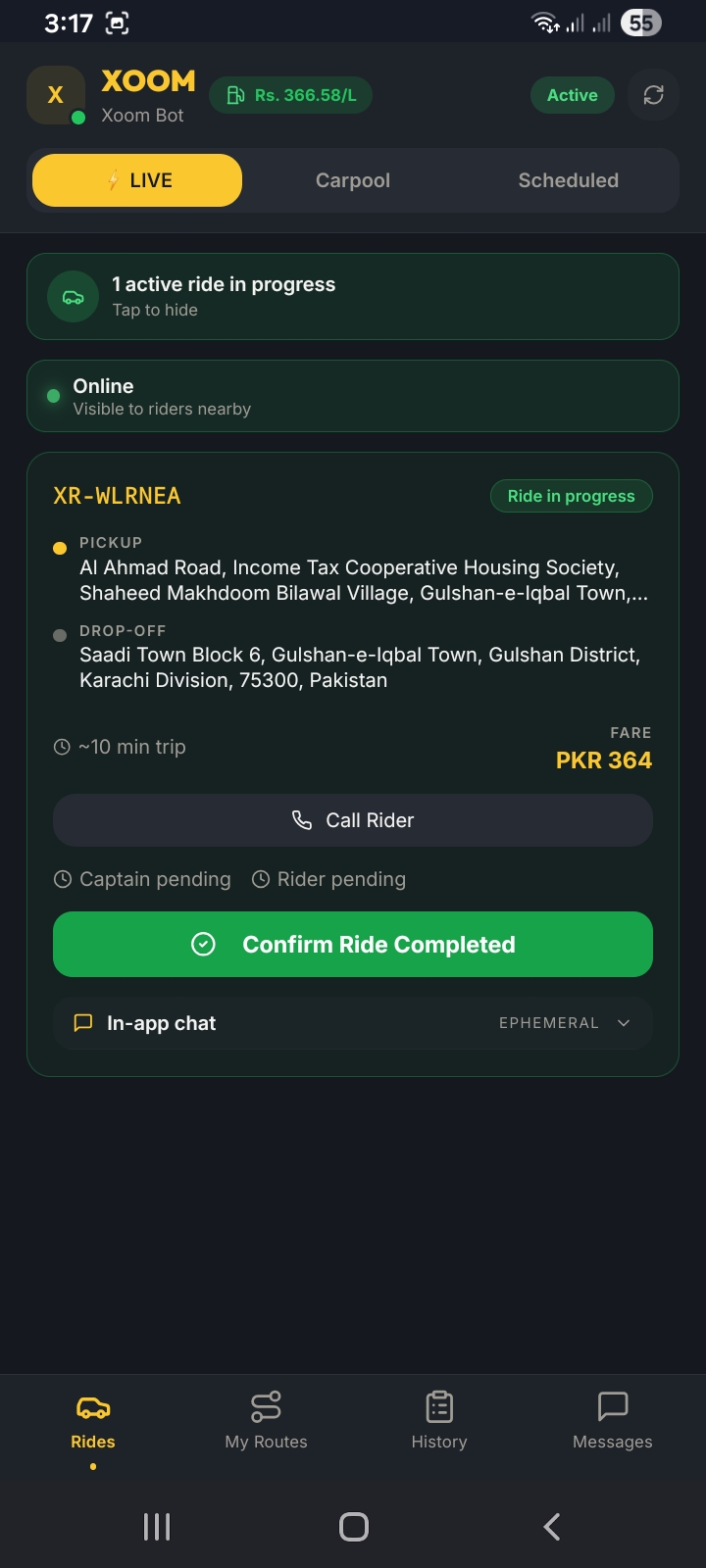
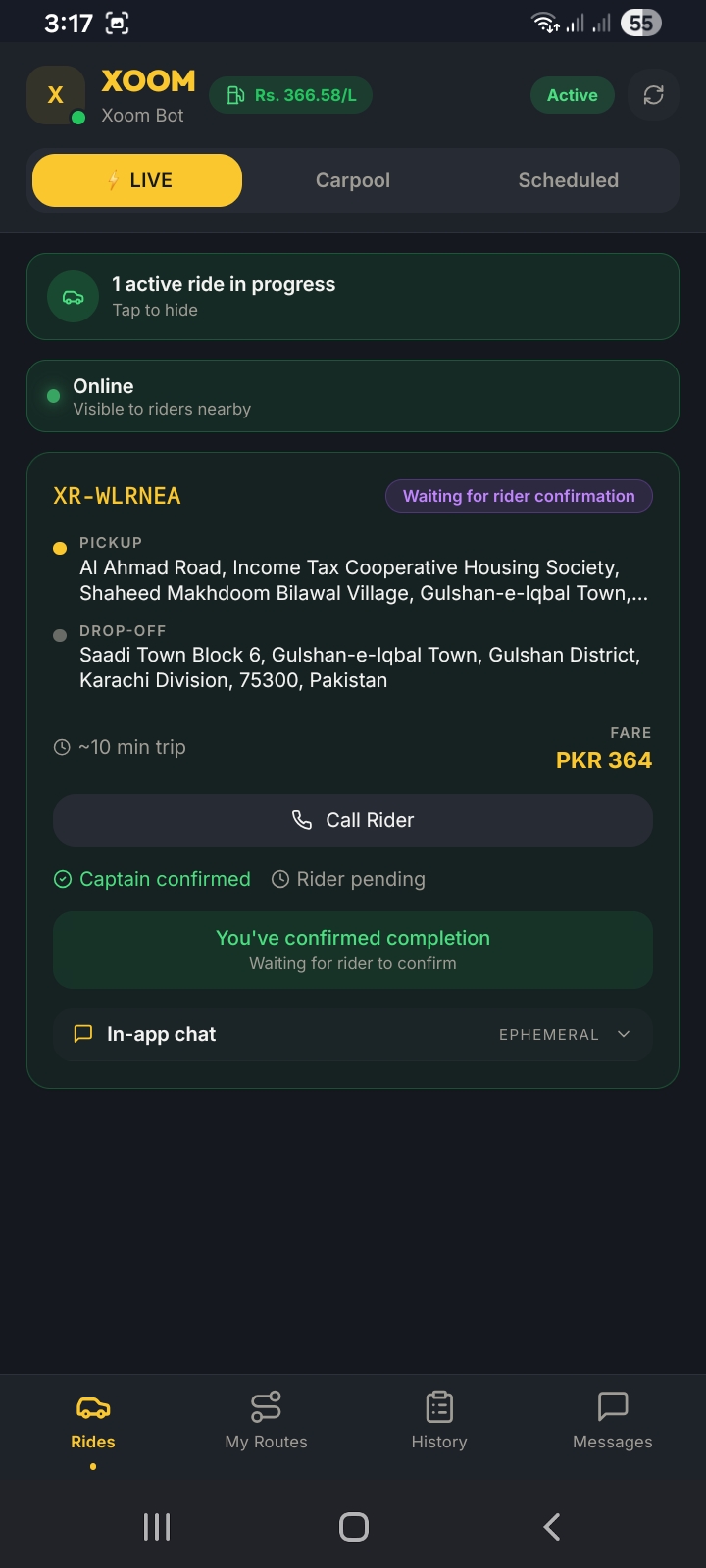
Your Captain dashboard is the command center. Switch to the LIVE tab and make sure your status shows "Online" — this makes you visible to riders posting requests nearby.
- Open the XOOM Captain app and tap the LIVE tab at the top.
- Make sure your status shows Online with a green dot — "Visible to riders nearby."
- Check your reliability score — top-tier captains (score 100) get a 30-second head start on LIVE rides.
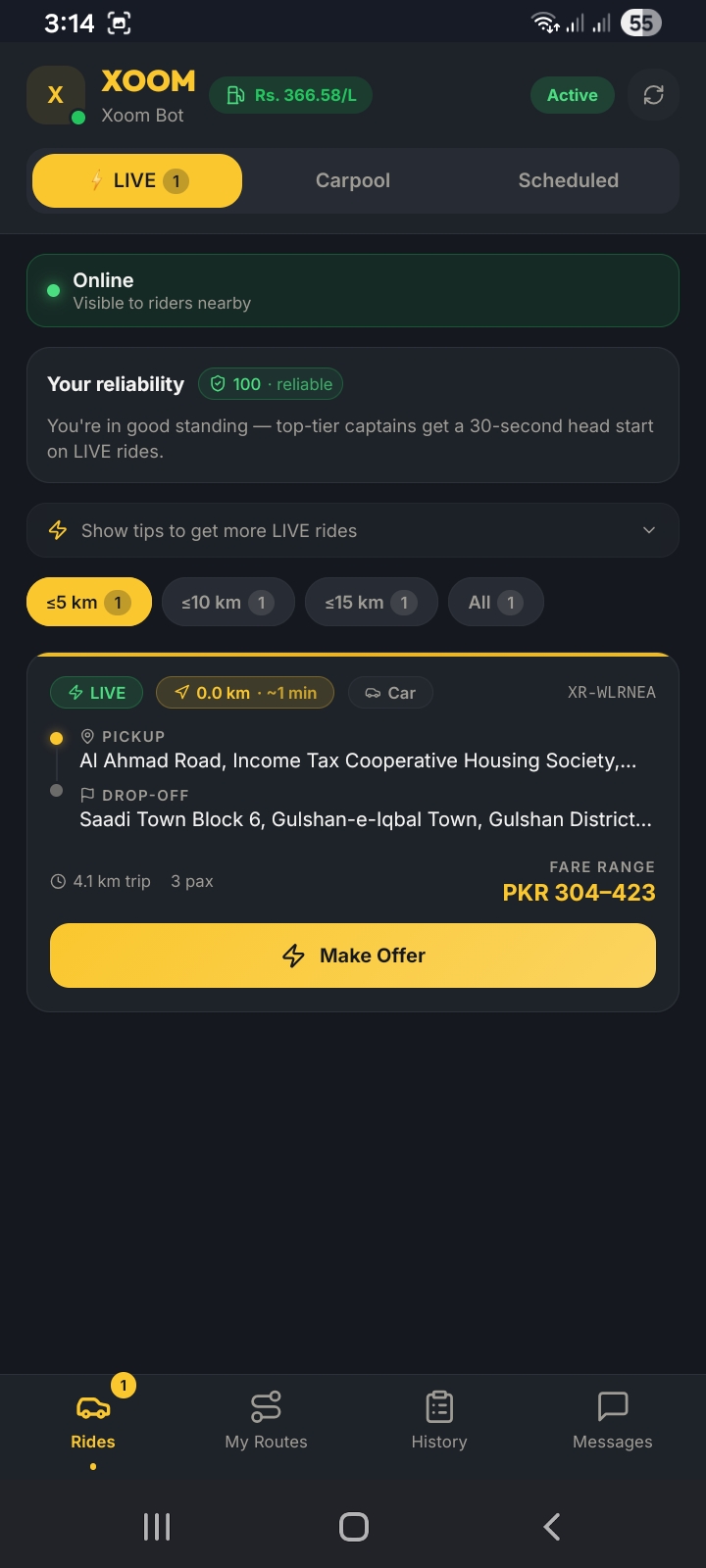
- Use the distance filters to control which requests you see: ≤5 km, ≤10 km, ≤15 km, or All.
- Expand "Show tips to get more LIVE rides" for optimization advice.
Head startWith a reliability score of 100, you see LIVE requests 30 seconds before other captains. Keep your score high by not cancelling rides.
Dashboard